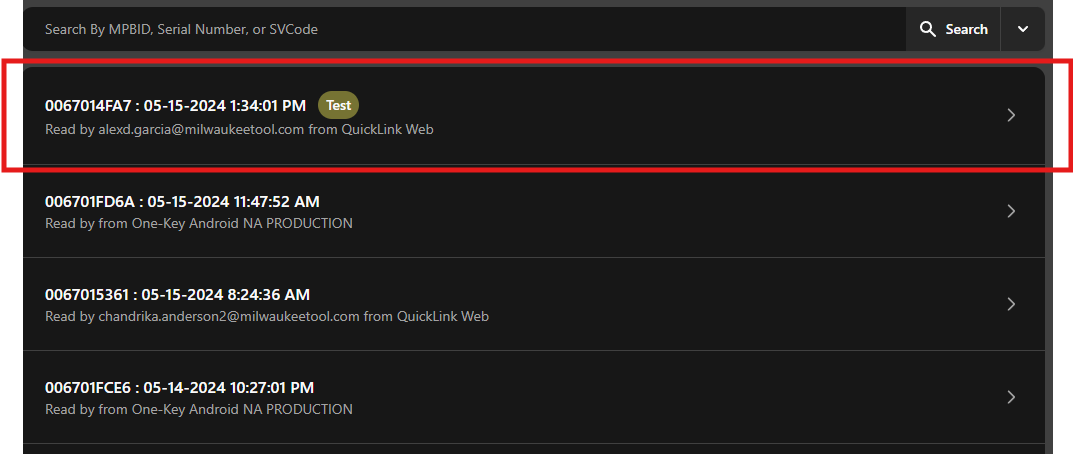
Querying Tool Data Reads
After uploading a memory map, you can retrieve the information using the Tool Lookup search feature.
Step 1: Access the Tool Lookup Search

Step 2.1: Basic Search
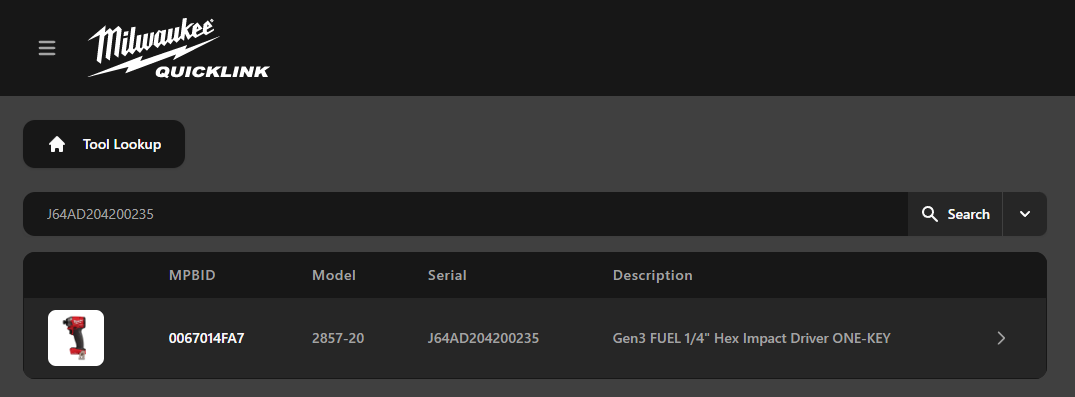
You can perform a search using the MPBID, Serial Number, or SV Code.
- There is a limitation with the MPBID search. There must be a valid data captured in our tool record system.
Step 2.2: Advanced Search
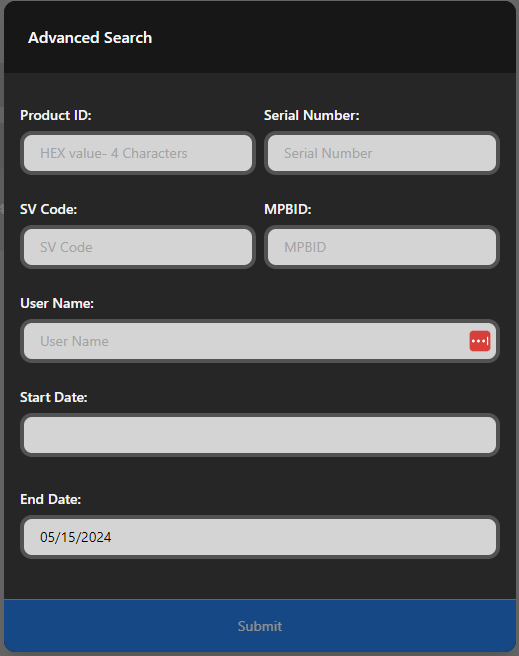
The advanced search feature allows you to search using the Product ID, User Name, and a Date range, in addition to the fields available in the basic search.

Filtering by Tags
In the Advanced Search form, you can filter data reads by tags using the Tag Query selector. This allows you to find all reads that have specific tags assigned, such as project identifiers, customer information, or environment flags.
For more information about tags, see the Tags documentation.
Step 3: View Data Reads
After the search results are displayed, select the entry you're interested in. Please be patient as the data may take a moment to load.
Basic Search

Wait for the tool the tool details to load and select the entry
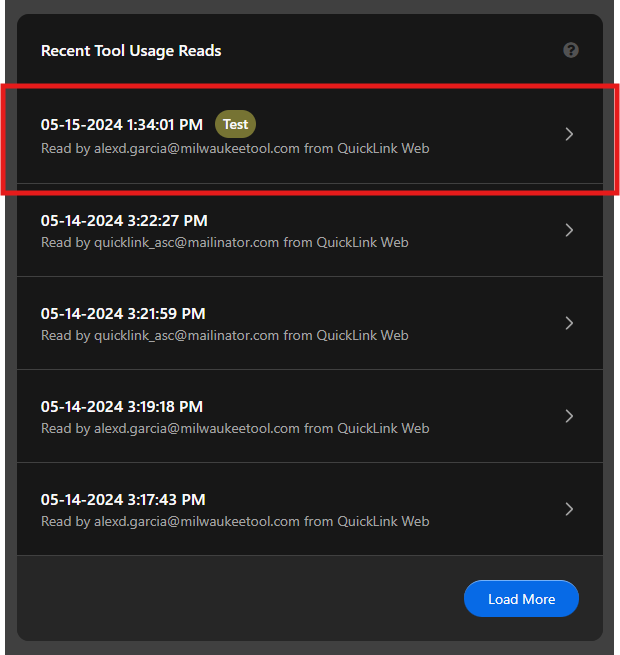
Advanced Search